Account Application Form
This form submits a preliminary SOIbank account application. Review updates will be sent by email or phone.
SOIbank supports online applications from 143 countries and regions. Complete identity verification and address verification with your passport, then apply for your SOIbank account and Visa card.
Scan to download the SOIbank App, or continue with the online application form below.

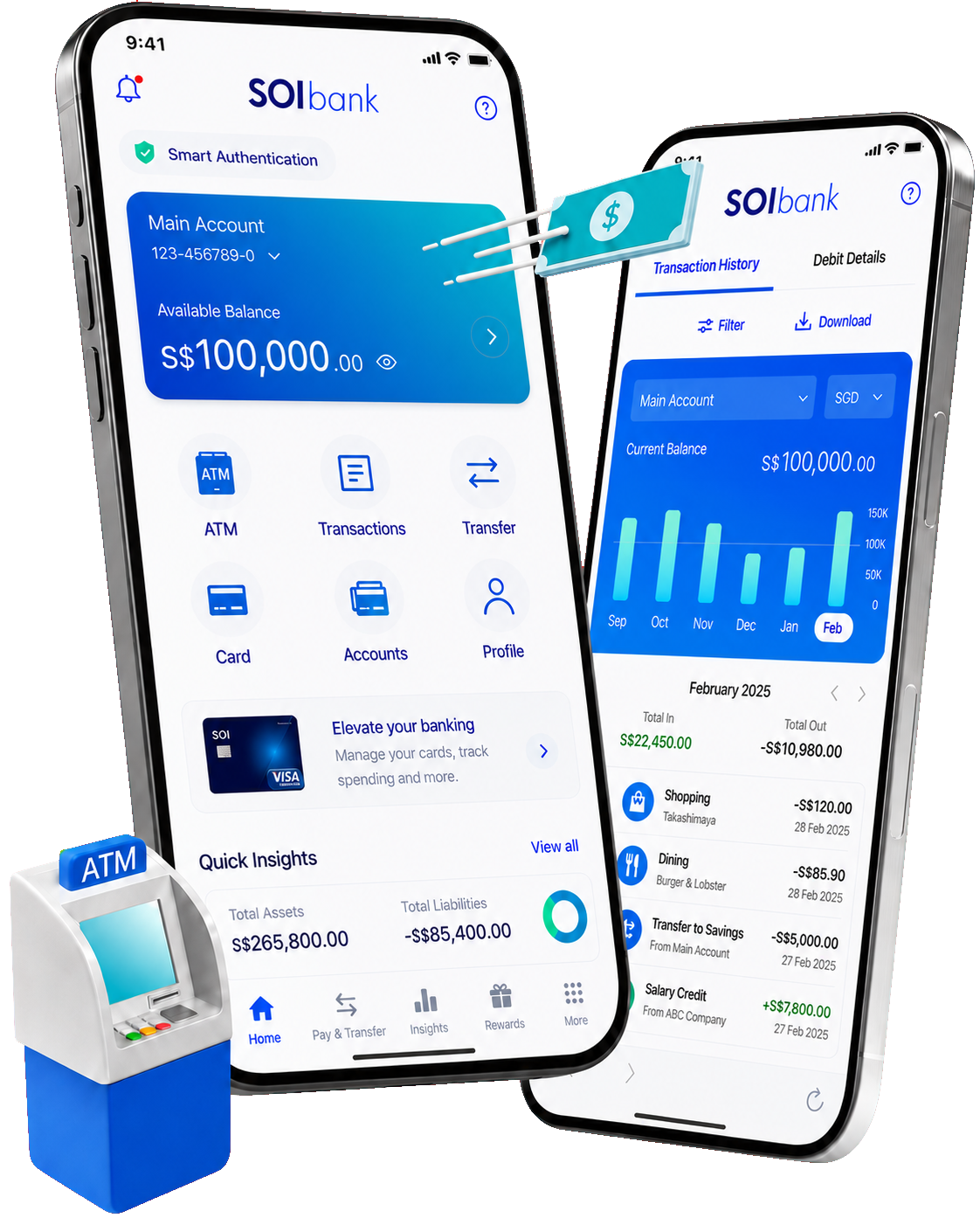
Only your smartphone, passport and residential address information are required to begin the application. Review time may vary depending on verification status.
Enter your name, passport country, contact details and residence address.
Upload a clear passport information page for identity review.
Provide your current residential address. Additional proof may be requested when required.
Once approved, your SOIbank account can be opened and the Visa card application may proceed.
This form submits a preliminary SOIbank account application. Review updates will be sent by email or phone.